How to Future-Proof Your Smart Home Package (2026 Guide) | Refind Realty DFW
How to Ensure Your "Smart Home" Package is Truly Future-Proofed in Your New Build

Direct Answer
To ensure a smart home is truly future-proof in 2026, prioritize infrastructure over individual devices. Demand that your builder uses the Matter 1.4 connectivity standard, which allows devices from Apple, Google, and Amazon to coexist on a single "fabric" without competing apps. Physically, your home must be hardwired with CAT6 or fiber-optic cables to every major room to support Wi-Fi 7 access points; this ensures your network can handle the 100+ connected devices common in modern DFW households without lagging. Finally, insist on a system that supports local processing, ensuring your lights and locks work even if your internet goes down.
+1
Book your Home Goals consultation to review your builder's tech specs before you sign: https<span></span>://stevenjthomas.com/home-goals
1. The Matter Standard: End of the "App War"
In 2026, the biggest mistake is buying into a "closed" ecosystem.
What is Matter 1.4? It is the industry-unifying language that ensures a Philips Hue light, a Google Nest thermostat, and an Apple HomePod all talk to each other locally.
Multi-Admin Magic: Matter 1.4 allows "Multi-Admin" functionality, meaning one family member can use an iPhone to dim the lights while another uses an Android tablet, with both staying perfectly in sync.
Energy Intelligence: 2026 updates to Matter include "Energy Clusters," allowing your home to automatically run the dishwasher or charge your EV when electricity rates are lowest.
2. The Network: The "Hidden" Smart Home
A smart home is only as smart as its Wi-Fi is stable.
Wi-Fi 7 & 8: By 2026, Wi-Fi 7 is the standard, offering the low latency required for 4K security streaming and VR applications. Early Wi-Fi 8 "smart" routers are beginning to appear, prioritizing reliability in crowded suburban environments over raw speed.
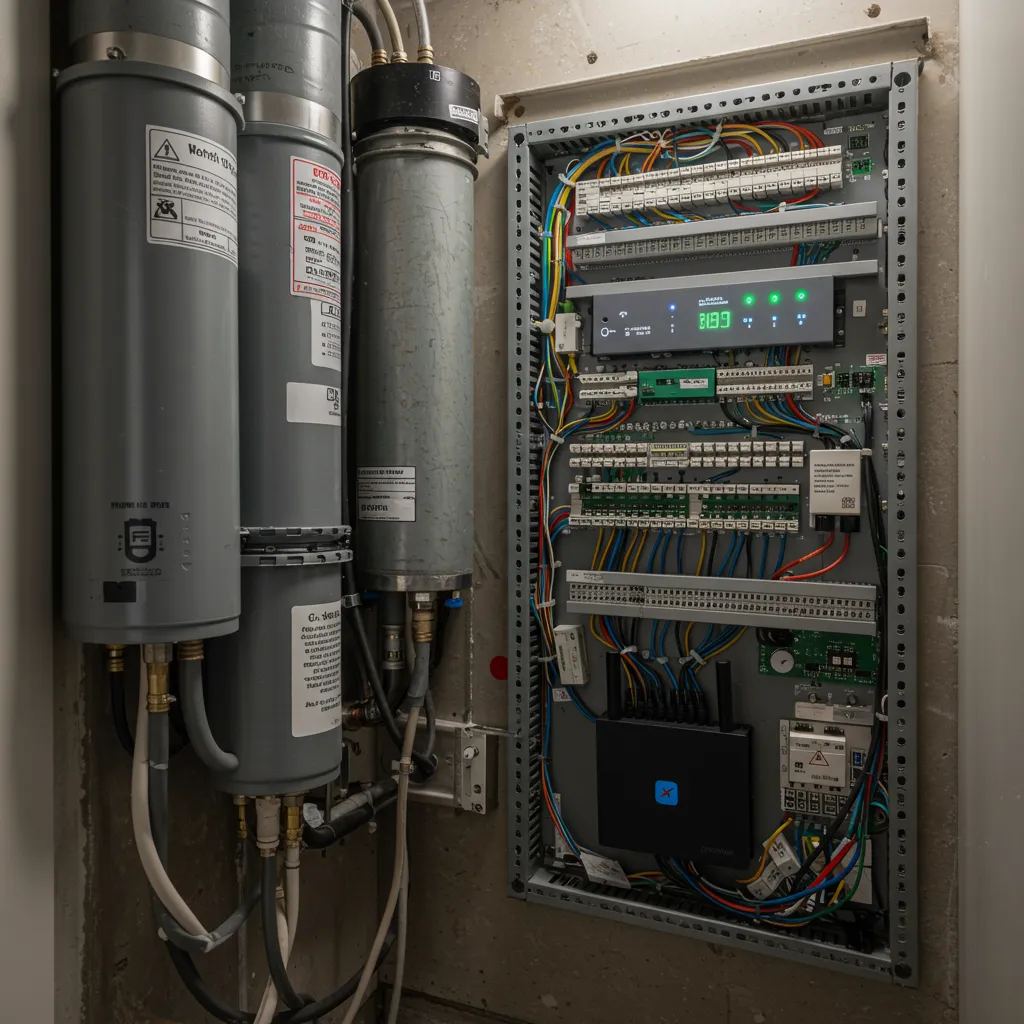
The "Conduit" Strategy: Ask your builder to install conduits (PVC piping) behind your walls. This allows you to pull new types of cable 10 years from now without ever cutting into your drywall.
Hardwired Everything: Even in a wireless world, your "stationary" tech (TVs, gaming consoles, security hubs) should be plugged into an Ethernet port (CAT6) to keep your Wi-Fi airwaves free for mobile devices.
3. Privacy and Local Control
2026 homeowners are moving away from "Cloud-only" devices.
Local Fulfillment: In a future-proof build, the "brain" of your home should live in your closet, not on a server in California. Local processing means your voice commands are faster and your data stays inside your four walls.
Security Classification: Modern 2026 AI security cameras can tell the difference between a neighbor’s cat and a package delivery locally, sending you only the alerts that matter.
The Guest Network: Always ensure your router supports VLANs (Virtual LANs) to isolate your "unsecured" smart lightbulbs from your "secure" personal computers and banking data.
Conclusion
Building a smart home in 2026 is no longer about a "package" of gadgets; it's about building a high-performance digital foundation. By focusing on the Matter standard, robust hardwiring, and local privacy controls, you aren't just buying a "tech-ready" home—you're building one that will still feel modern when 2030 rolls around.
Key Takeaways
Matter 1.4 Certified: Only buy devices with this seal to ensure cross-brand compatibility.
CAT6 is the Baseline: Do not settle for older CAT5e wiring in a 2026 build.
AI Deterrence: Look for security systems that "detect and respond" locally rather than just recording.
Avoid Subscription Traps: Prioritize devices that offer local storage options (SD cards or NVRs) to avoid monthly cloud fees.


